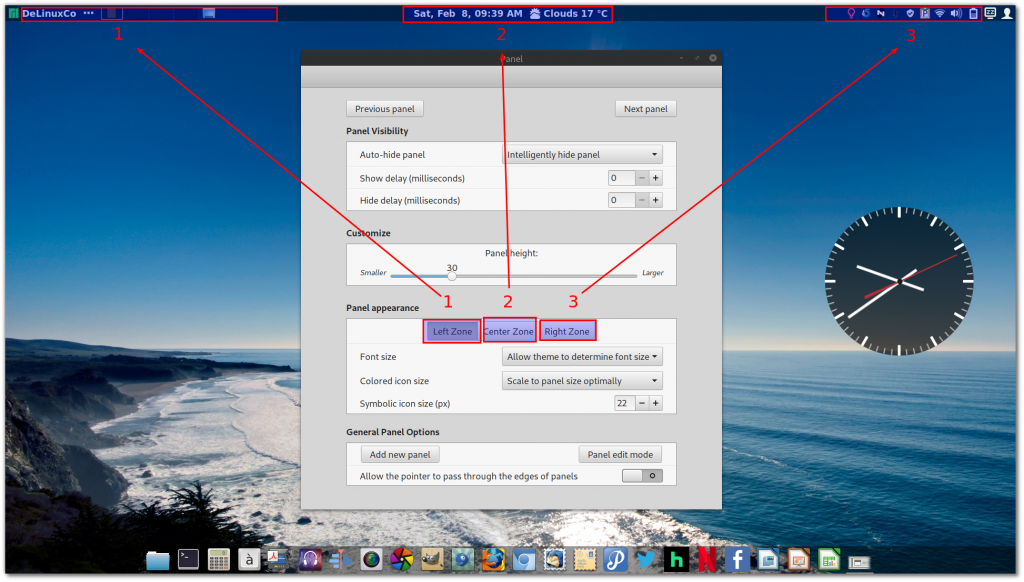
If you happen to have a high resolution display in a small screen form factor, sometimes referred to as "retina display", you may have to adjust the desktop look so that items are easily visible and not so small.
In Cinnamon Desktop this can be achieved with just a few settings. For a reference, lets use a 1920X1080 on a 14" laptop.
Step1: Go to
System Settings>>Font Selection
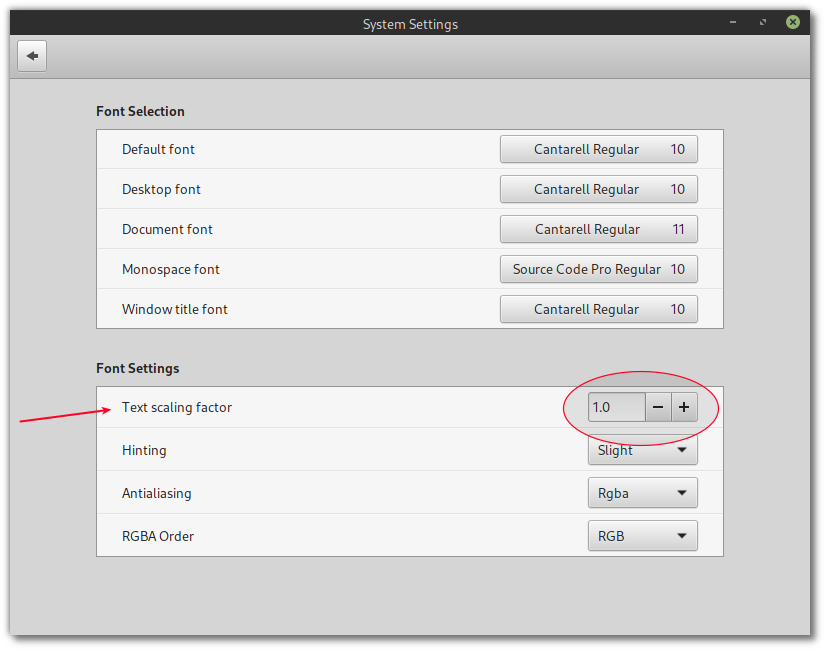
Under "Font Scaling Factor" change from 1.0 to 1.2 text scaling. (you can adjust as necessary)
Step2: Adjust Firefox font scaling
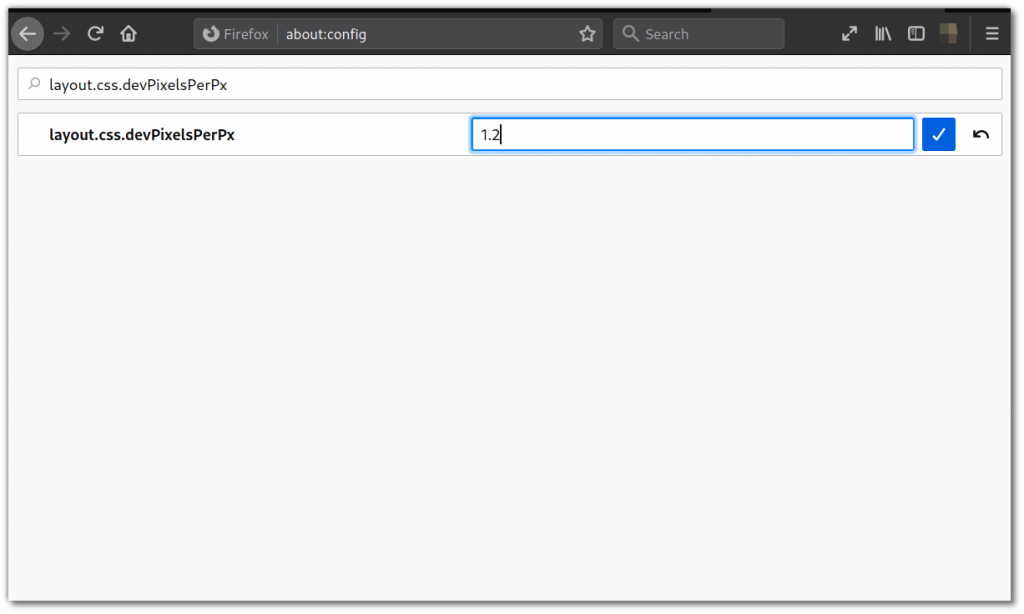
Open Firefox and type
about:config in the address bar.
Then type
"layout.css.devPixelsPerPx" in the search box.
adjust the setting to 1.2 and click the check mark to save. Restart Firefox
Lastly, you can fine tune the panels in Cinnamon by Right Click on the top or bottom panels and adjust as necessary. (
Note: the bottom panel is utilizing only the center zone)