Latest ISO
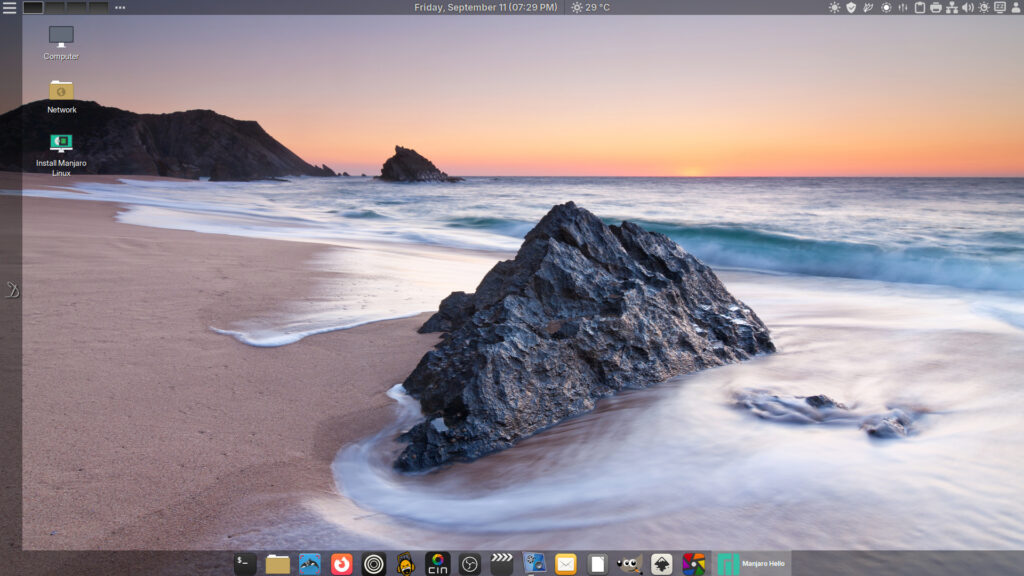 2026 Desktop background by Michael Breitug @ https://www.mibreit-photo.com
DeLinuxCo Workstation 26.1.2-261001 (8.7GB)
SHA256SUM: 2c61e28ee562ddfc583fc95ee45d35d10c9d6f8f1f171e62a7214306c2c5be07 | delinuxco-workstation-26.1.2-261001-x86_64.iso
PACKAGE-LIST: Included DeLinuxCo Packages
16G or > , USB drive required
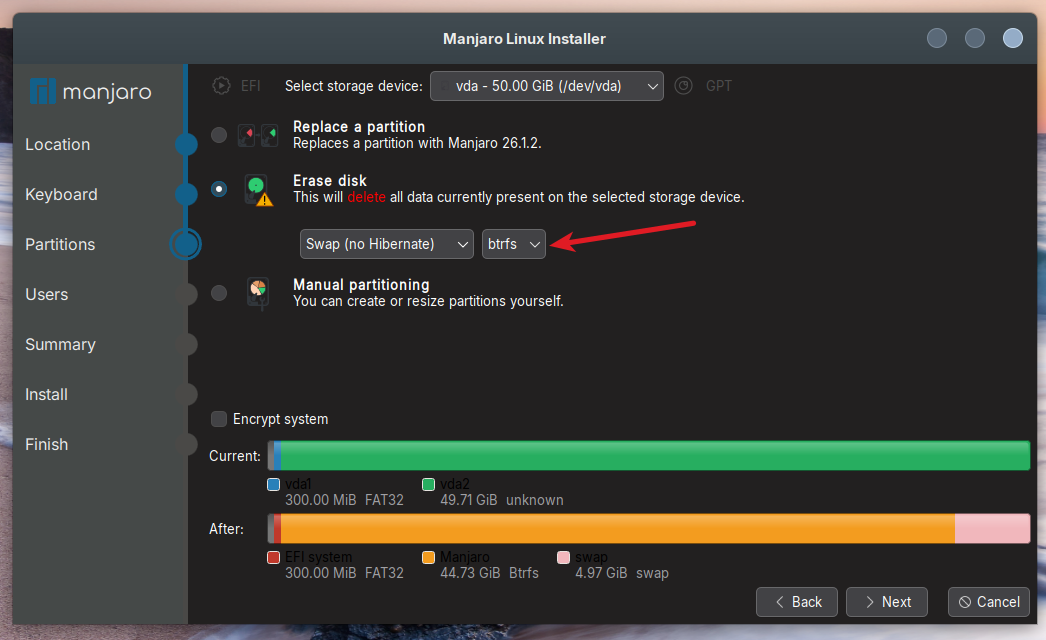
During install, the installer defaults to Btrfs file system, it is recommended that you use Ext4 instead, unless you understand what Btrfs is and how to use it.
This is a FOSS project. It relies and builds on the work of a great many others. It is covered under various GPL licenses, though some parts of it may be under other free software licenses. Absolutely no warranty is implied or expressed. This includes but is not limited to fitness of use or data, use at own risk.
If you like this project and would like to see others benefit from it, Recommend us on DistroWatch
Download the latest ISO image.
(8.7 GB ISO)
26.1.2-261001 …
This is a maintenance update to the 260911 ISO.
- Cinnamon 6.6.9
- Kernel 7.2
- Firefox and Zen Browser are now in AppImage and are both able to run in Firejail mode by right clicking on Desktop Icon and choosing “Run Jailed”
- Ungoogled Chromium Browser replaced standard Chromium
- AppImages, 50+ AppImages are now supported directly from the DeLinuxCo repos. DeLinuxCo is now AppImage focused, read more here: https://delinux.co/appimages/
- TMOG (Task Manager OG) installed by default
- Vokoscreen default screen recorder (X11 & Wayland support)
- LibreOffice 26 preinstalled and with a new dark theme that is very polished
- BackInTime replaced by Duplicati for backups (see After Install link on left of screen “D”)
- WebApp link on left launcher bar to DeLinuxCo “After Install” page
- X11 (Xlibre) or Wayland support, freedom to choose
- Xlibre dedicated repo for Manjaro via xlibre-manjaro
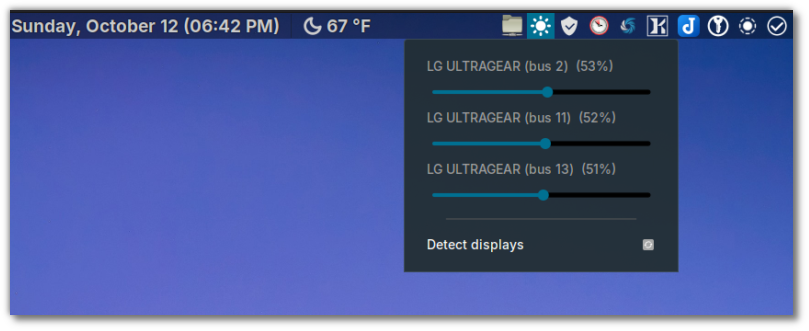
- External Monitor brightness control
- Flameshot now the default screenshot tool!
- Fixed delinuxco-keyring issues
- Pre-configured native-messaging-hosts for Mozilla, LibreWolf and Zen-Browser
- Completely rewritten “on boot configuration” script, to help configure the user account.
Shutter – Screenshot tool
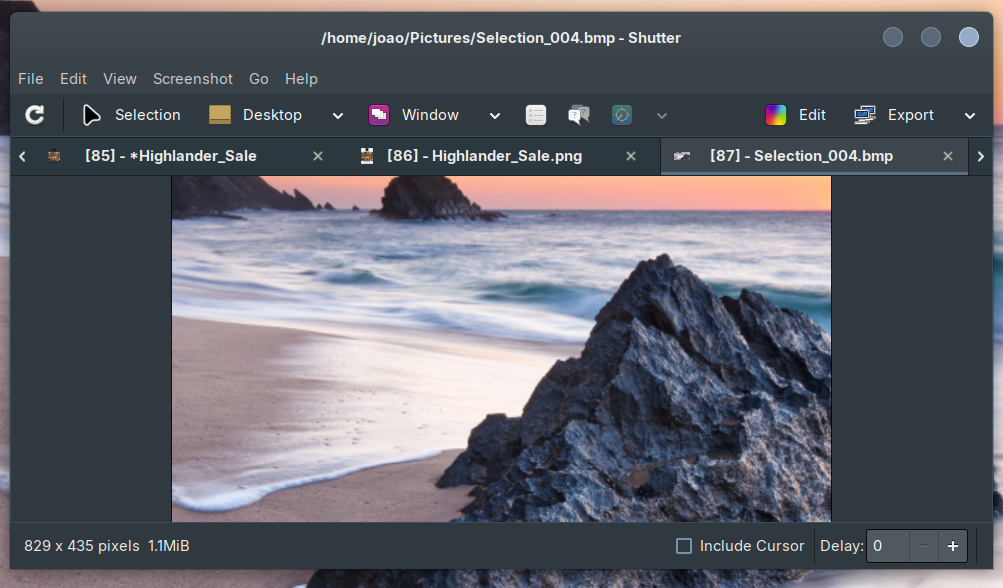
Although Flameshot is the new default screenshot tool, Shutter is still available and is the preferred screenshot tool. Unfortunately it does not support Wayland, so if you are planning on staying with X11 as the display server, replace Flameshot with Shutter, it is the superior screenshot tool in Linux!
External monitor brightness control
Please note, the ISO is designed for testing on real hardware, using VirtualBox you may have issues! It is recommended to use Virtual Machine Manager for VM testing of DeLinuxCo. Tutorial can be found here. If you are already running DeLinuxCo 22.1.2 or higher, you can run install-virt-manager to completely install and configure Virt-Manager.
HELPER SCRIPTS
DeLinuxCo comes with a couple of simple scripts to make installing certain applications easier.
the first is to enable syncthing as a service for the user so that even even if the user is not logged in, the sync session for the default user will still function, do not use the sudo with this command, if it needs permissions, it will ask for them.
syncthing is enabled by default as of this release.
To disable syncthing, run:
disable-syncthing
If you wish to run virtual machines, to auto install Virt-Manager, run:
install-virt-manager
updated 20261001